Kitchen sink: every building block this blog can render
A working style guide for this site. Every MDX component, code block, diagram and media type on one page, with notes on when to use each.
On this page
Every design system needs one page where everything lives side by side. This is that page for this blog. When I change a colour token, a font or a spacing step, I open this post first: if something looks wrong here, it will look wrong somewhere real.
It also doubles as documentation. Each section shows a building block, then says when I reach for it.
Plain Markdown first
Most of a post is still plain Markdown, and it should stay that way. Paragraphs carry strong emphasis, regular emphasis, inline code, and links to other pages. A footnote adds context without breaking the flow of a sentence.1
Lists
Unordered lists hold things that have no order:
- Semantic HTML before ARIA
- Visible focus on every interactive element
- Motion that respects
prefers-reduced-motion- Nested items work too
- But two levels is the limit
Ordered lists hold sequences:
- Write the post in MDX.
- Run the build.
- Read the result on a phone before publishing.
Tables
| Element | Purpose | Needs JavaScript |
|---|---|---|
<details> | Disclosure, accordion | No |
<dialog> | Modal and non-modal UI | To open it |
<output> | Result of a calculation | No |
Blockquotes
A plain Markdown blockquote is fine for a short aside. When the quote has an author or a source, use the
Quotecomponent below instead.
Callouts
Callouts pull one point out of the text. I use them sparingly: one or two per post at most.
Note
The default type. Context the reader may want, but can skip.
Use the title prop
A custom title replaces the type label. Keep it short.
Warning
Something that will bite if ignored, such as a breaking change in a dependency.
Data loss
Reserved for actions that cannot be undone. If every callout is red, none of them is.
Code
Code blocks go through Expressive Code. A title names the file, and line markers draw the eye to what changed.
import getReadingTime from 'reading-time';
export function readingMinutes(body: string) {  const { minutes } = getReadingTime(body);  return Math.max(1, Math.round(minutes));}
A diff block shows a change in place:
export default defineConfig({ site: 'https://www.neilujd.tech', trailingSlash: 'always', trailingSlash: 'never', build: { format: 'file' },});Keyboard shortcuts get their own element: press Ctrl + K to search, or Esc to close. Status labels use badges: draft new.
Diagrams
Mermaid diagrams render to SVG at build time, so the reader downloads markup, not a charting library. Wide diagrams scroll sideways on small screens instead of shrinking to unreadable sizes.
Images and video
Images live next to the post and go through astro:assets, which outputs AVIF and WebP in several widths. The wide prop lets a figure break out of the text column.
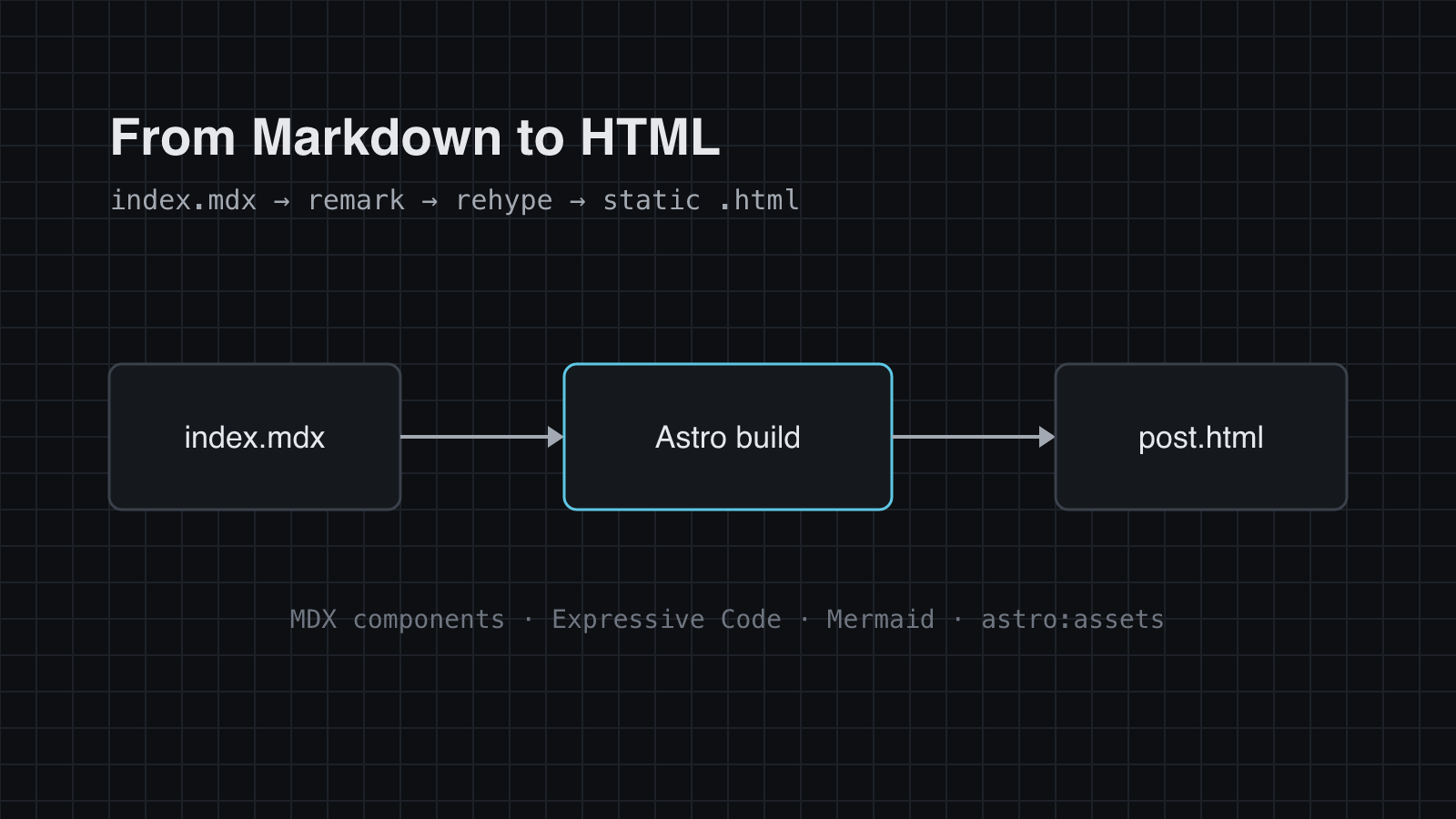
Short clips use the native video element with captions. This one is 4 seconds and weighs under 50 kB.
YouTube videos never load YouTube on this site. The thumbnail is downloaded at build time and served from here, and the card links out to the video.
 Astro in 100 SecondsWatch on YouTube
Quotes
The power of the Web is in its universality. Access by everyone regardless of disability is an essential aspect.
A pull quote repeats a line from the post in large type, to give a long article a visual rest:
If every callout is red, none of them is.
Anchored sections
The Section component renders a heading that links to itself, so any section can be shared with a precise URL. Regular Markdown headings get ids too; this component is for when the section needs a stable id that does not change with its title.
Step by step
- Create a folder in
src/content/blog/named after the post slug. - Add an
index.mdxfile with a title, a description and a publication date. - Put images in the same folder and import them where they appear.
- Run
pnpm buildand open the post at 390 pixels wide.
Tabs
Tabs hold alternatives where the reader needs only one, like install commands for different package managers. They work without JavaScript and fall back to a list of disclosures when the browser cannot lay them out as tabs.
pnpm
pnpm add astro-expressive-codenpm
npm install astro-expressive-codeyarn
yarn add astro-expressive-codeComparing options
| Criterion | iframe embed | Lite embed script | Thumbnail link |
|---|---|---|---|
| Works without JavaScript | Yes | No | Yes |
| No third-party request on load | No | Yes | Yes |
| Plays inline | Yes | Yes | No |
| Weight on page load | ~1 MB | ~5 kB | One image |
Further reading
docs.astro.build@astrojs/mdxHow Astro compiles MDX, and how to pass custom components to the rendered content. W3CUnderstanding Contrast (Minimum)Why body text needs a 4.5:1 contrast ratio, and how WCAG defines it.One small island
Everything above ships zero JavaScript. This last block is the exception: a contrast checker built as a Web Component. Without JavaScript, it still shows the result for its default colours. With JavaScript, it recalculates as you pick new ones.
Can you read this sentence comfortably?
Result for #a3a9b2 on #15181d. With JavaScript, it updates as you pick colours.
Questions
Why MDX and not plain Markdown?
Plain Markdown covers most of a post. MDX adds components like callouts and tabs without a client-side framework, and they render to static HTML at build time.
Does this page load any third-party script?
No. The YouTube thumbnail is downloaded at build time and served from this domain, and the share links below the post are plain links.
Why are there no comments?
Comments need moderation and a third-party service. Email and social replies work fine for a personal blog.
Footnotes
-
Footnotes come from GitHub Flavored Markdown. They collect at the end of the post, with a link back to where they were referenced. ↩